I’ve just knocked up a ‘Social Repo‘ site and would be keen to get some feedback on the general idea.
It’s a WordPress site in microblog mode driven by feeds from our repo via the FeedWordPress plugin. Just an experiment in automating something similar to our Post2Blog plugin.
As a way of making EPrints content more ‘social’, I thought that specific subject feeds from different IRs could be aggregated into a single subject site where interested people could follow and comment on the research outputs.
I’m a fan of aaaargh.org which is a site where people share hard-to-obtain texts, mostly academic level material and largely related to critical, social theory. There’s a discussion board attached to it, too. No-one really controls it and it’s a great way of finding hard to obtain texts 🙂
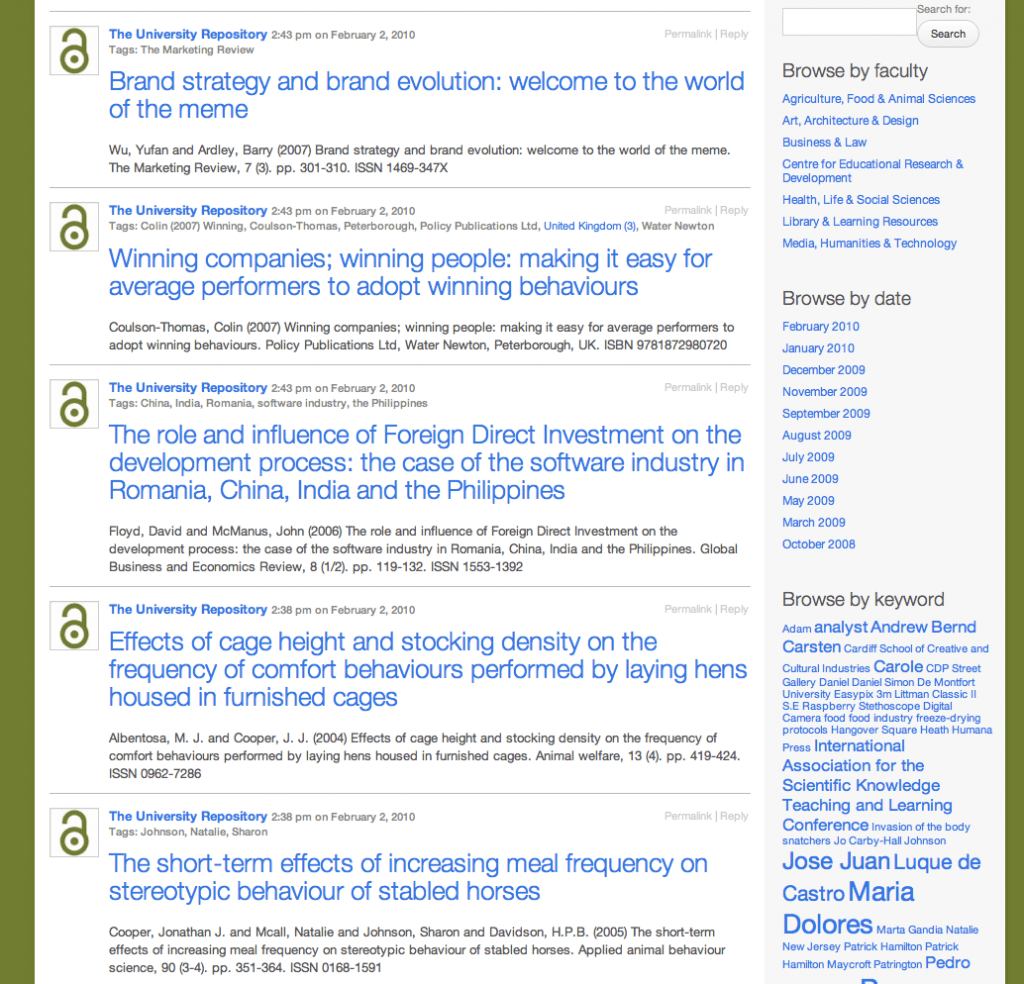
Along loosely similar lines, I was thinking earlier that IRs could aggregate their feeds into a site, like my example, that provided a way to search, filter and discuss the source research outputs. If there was a site that aggregated feeds from IRs around the world, pulling in only content relating to critical, social theory, for example, had a twitter account attached, too, as well as useful RSS feeds of its own, I’d be keen to follow it and contribute to the discussion of work as it appeared and looked of interest.
I can imagine that some texts could spark quite detailed threaded discussions.
One way to improve my quick example would be to show the EPrints abstract in the post content below the citation. Alas, that’s not in the source EPrints feed right now. I would also make a few tweaks to the theme so that the permalinks didn’t all point to the source record, but that the source link was clearly provided.
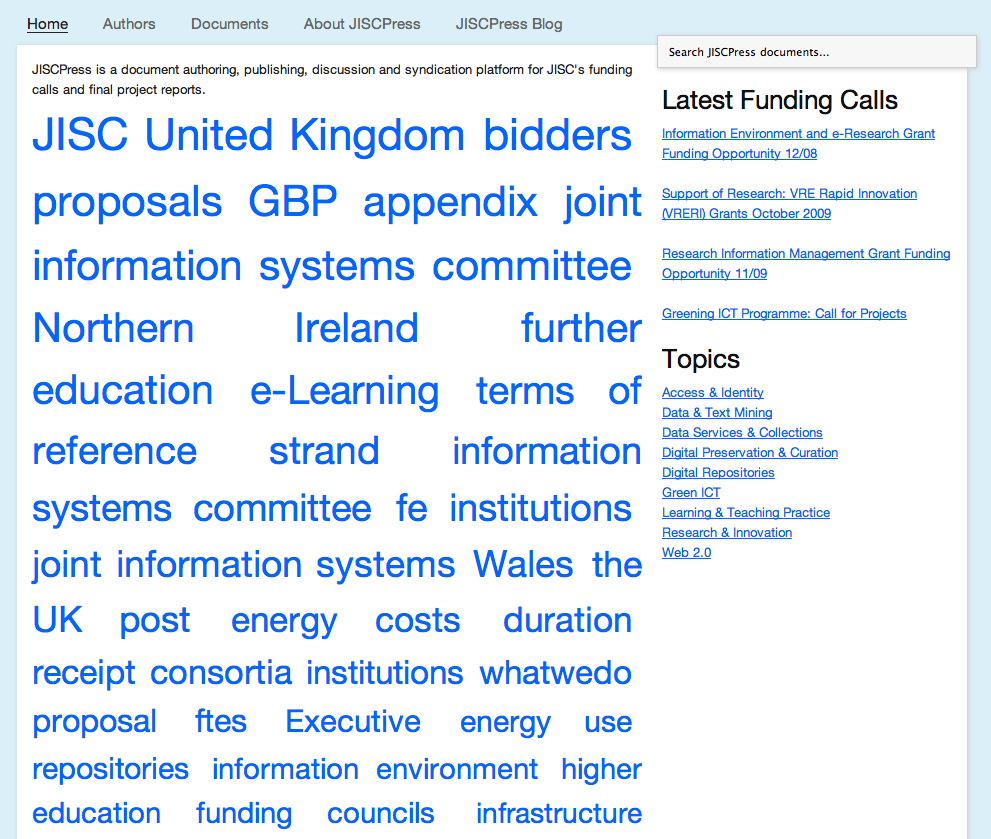
The plugin that we created for the JISCPress project could provide a background service to create semantic tags and do term extraction on the abstract, to automate keywords for each item. Crikey! we could even use the other Linked Data plugin we developed and push the RDF to the Talis Platform, aggregating Linked Data around subject feeds from Institutional Repositories.
I’m sure I can think of more improvements, but as a 30 min exercise, I’ve found it interesting. I think that once a Repo record becomes joined to a WordPress record, it’s got a lot more going for it in terms of added levels of interaction and malleability. Any thoughts?